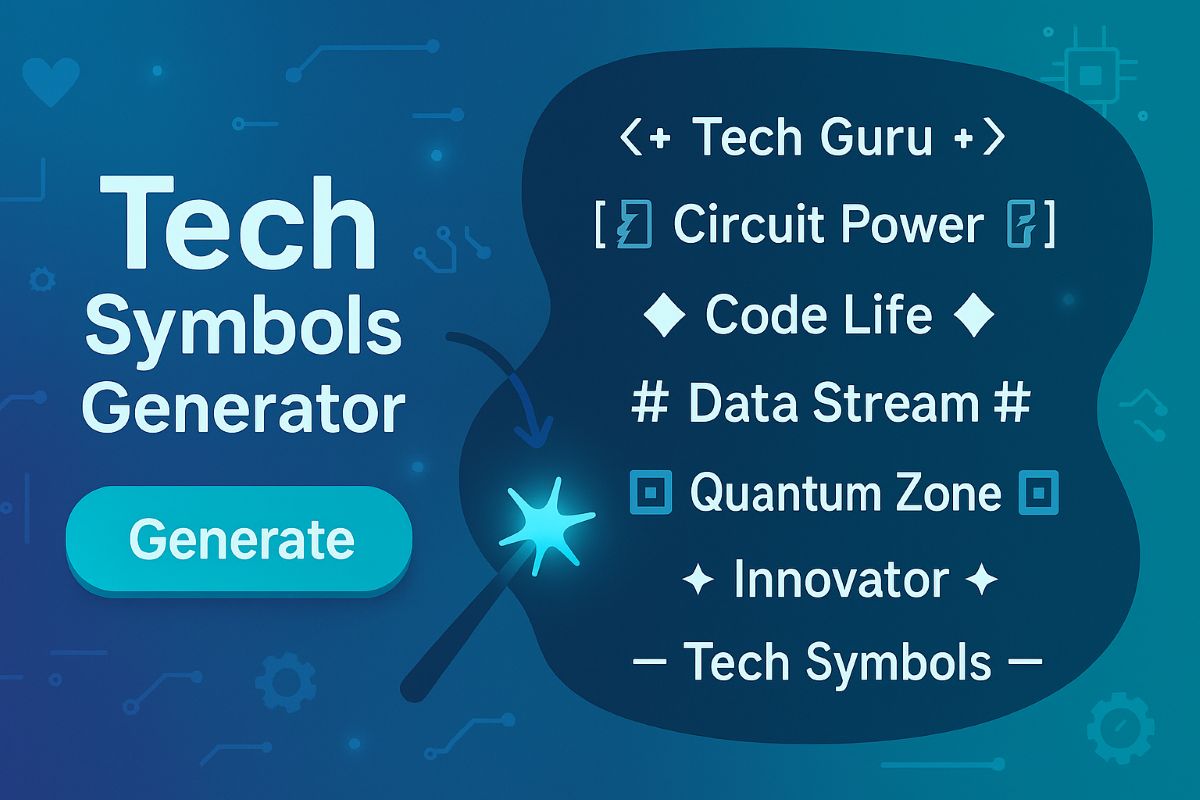
Tech symbols are special characters, emojis, and icons that represent technology concepts, computer hardware, software elements, programming syntax, and digital innovations. These symbols enhance technical documentation, coding projects, software interfaces, and digital communication related to technology.
Tech Symbol Uses:
- Technical Documentation: Create clear and visually enhanced documentation for software and hardware
- Programming: Use specialized symbols in code comments, documentation, and development notes
- User Interface Design: Incorporate intuitive icons and symbols into software and app interfaces
- Tech Communication: Enhance emails, messages, and digital communication about technology
- Social Media: Add visual context to tech-related posts and discussions
- Educational Content: Create more engaging technical tutorials and learning materials
- Technical Diagrams: Add symbols to flowcharts, network diagrams, and technical illustrations
- Presentations: Enhance tech-focused slides and presentations with relevant symbols
🆕 What's New in 2025:
- Comprehensive Collection: Over 200 carefully selected tech symbols organized in 6 categories
- Hardware Representations: Symbols for modern computing devices and electronic components
- Software UI Elements: Icons representing user interface components and digital tools
- Programming Symbols: Common syntax elements and coding-specific characters
- Mathematical Notation: Symbols for algorithms, data science, and computational logic
- Network & Connectivity: Icons representing data transmission and communication concepts
- AI & Future Tech: Symbols for emerging technologies and digital innovation
- Cross-Platform Compatible: All symbols tested for compatibility across operating systems and applications
How to Use Tech Symbols:
- Browse Categories: Explore our organized tech symbol collection above
- One-Click Copy: Click any symbol to copy it to your clipboard instantly
- Documentation: Paste into your technical documentation, code comments, or readme files
- Digital Communication: Use in emails, messages, and digital conversations about technology
- Presentations: Add to slides and presentations for visual emphasis
- UI Design: Incorporate into user interface mockups and prototypes
- Social Media: Enhance tech-related posts, profiles, and discussions
Tech Symbol Categories Explained:
- Computer Hardware Symbols: 💻 🖥️ ⌨️ 🖱️ Representations of physical computing devices and components
- Software & UI Symbols: 📁 📄 🔖 🔗 Characters representing digital elements and interface components
- Programming & Code Symbols: { } [ ] < > Common syntax and characters used in programming languages
- Mathematical & Logic Symbols: + − × ÷ = Notation used in algorithms, formulas, and computational logic
- Network & Connectivity Symbols: 📶 🔌 📡 🌐 Icons representing data transmission and communication
- AI & Future Tech Symbols: 🤖 🧠 🚀 💡 Representations of cutting-edge technology concepts
Perfect Uses for Tech Symbols:
- Technical Writing: Create more visually engaging documentation and guides
- Code Documentation: Add visual context to code comments and developer notes
- Technical Diagrams: Enhance flowcharts, architecture diagrams, and technical illustrations
- API Documentation: Improve readability of API references and examples
- Educational Materials: Create more engaging technical tutorials and courses
- Tech Presentations: Add visual elements to technical talks and presentations
- Digital Marketing: Enhance tech product descriptions and marketing materials
Tech Symbol Benefits:
- Visual Clarity: Make complex technical concepts more immediately understandable
- Information Density: Communicate more information in less space
- Universal Understanding: Transcend language barriers with visual symbols
- Navigation Aids: Create intuitive navigation and organization in documentation
- Attention Direction: Draw focus to important technical information
- Engagement: Make technical content more visually appealing and memorable
- Consistency: Maintain visual cohesion across technical documentation
Technical Information:
- Unicode Compatible: All symbols use standard Unicode characters
- Cross-Platform: Works across Windows, macOS, Linux, iOS, and Android
- Application Support: Compatible with word processors, text editors, presentation software, and more
- Web-Safe: Symbols display correctly in modern web browsers and applications
- Accessibility: Most symbols support screen readers and assistive technologies
- Resolution Independent: Vector-based symbols scale without quality loss
- Copy-Paste Ready: Optimized for easy copying and pasting into any application